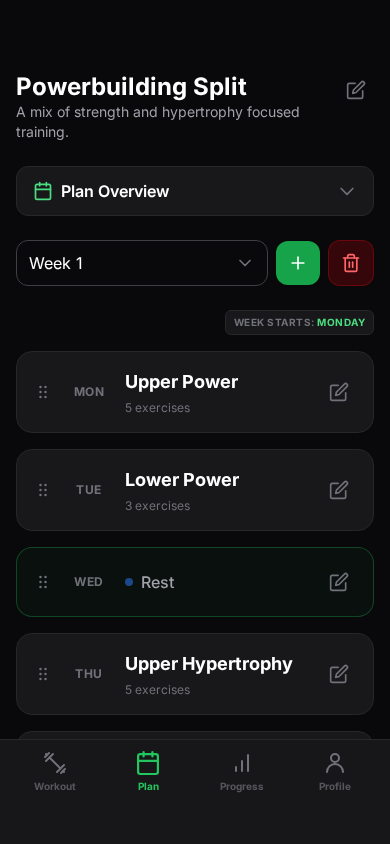
Start from a strength plan
Choose from strength programs including 5/3/1, PPL, PHUL, GZCLP, and nSuns.
Browse programsStrength training, with structure
Follow strength programs, log each workout, and review your progress on your phone or the web.
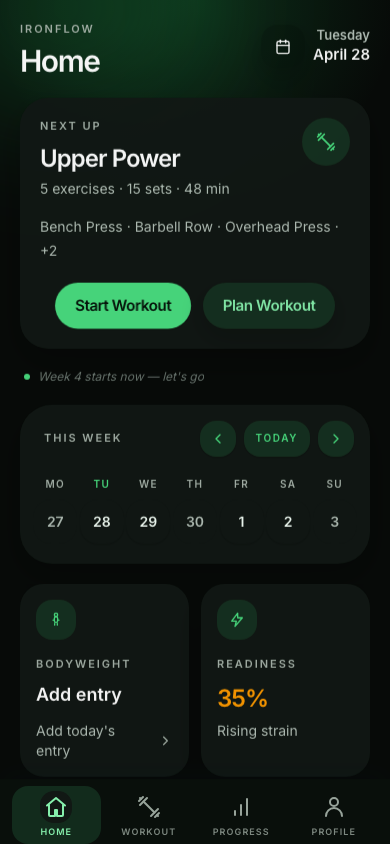
[Available on iOS, Android, and web]
[Features]
Choose a training plan, create your own, and log workouts from the device that fits the moment.
Choose from strength programs including 5/3/1, PPL, PHUL, GZCLP, and nSuns.
Browse programs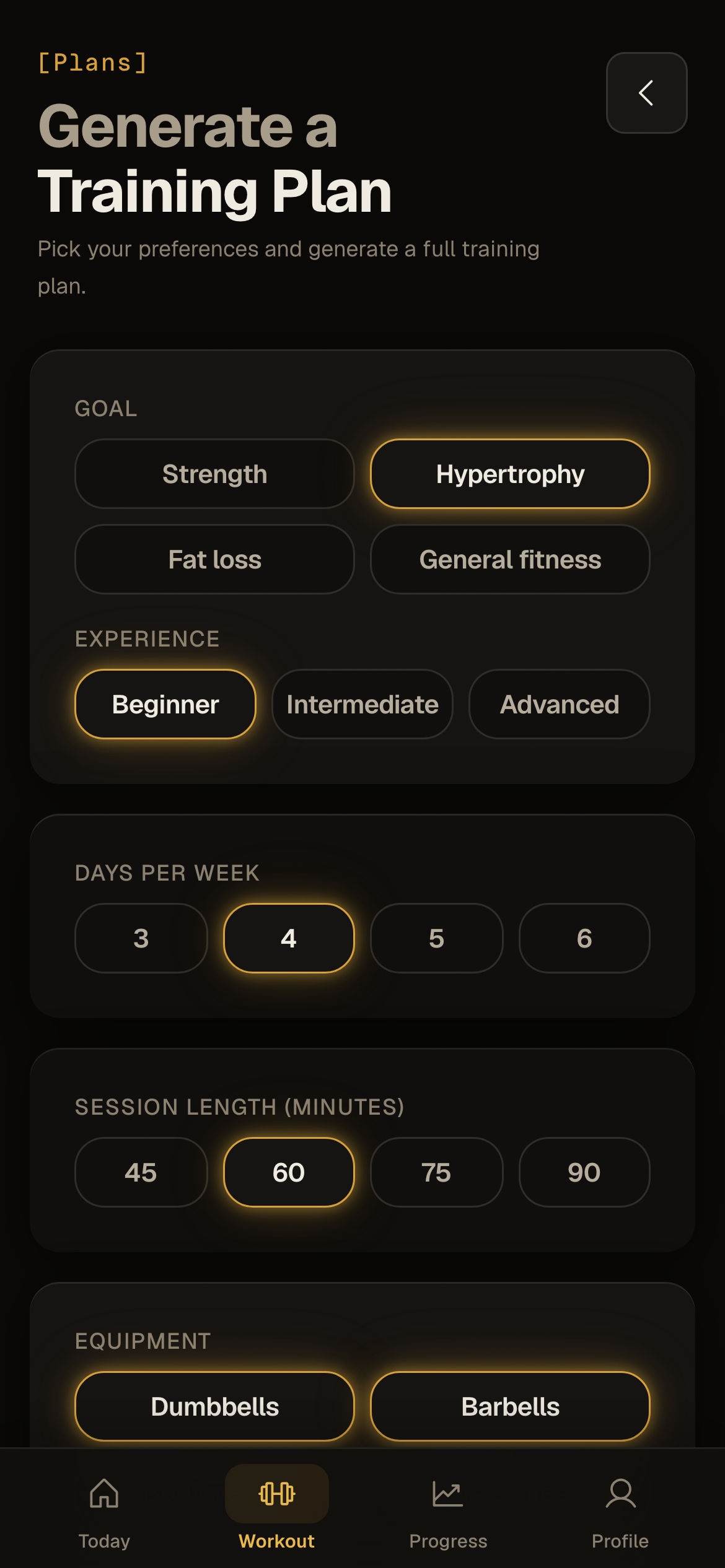
Generate a structured strength or hypertrophy plan when you need a starting point.
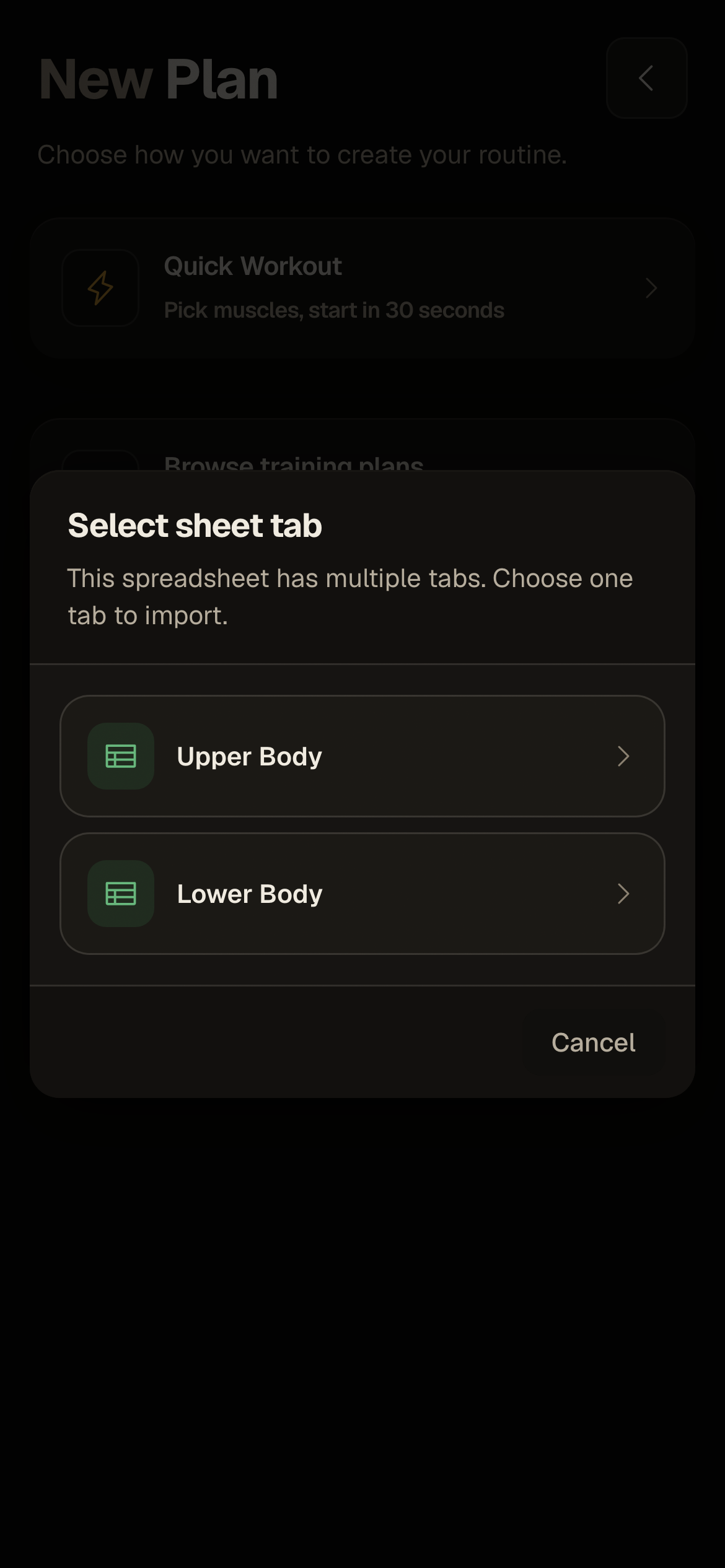
Bring an existing spreadsheet into IronFlow and continue logging your training.
See import steps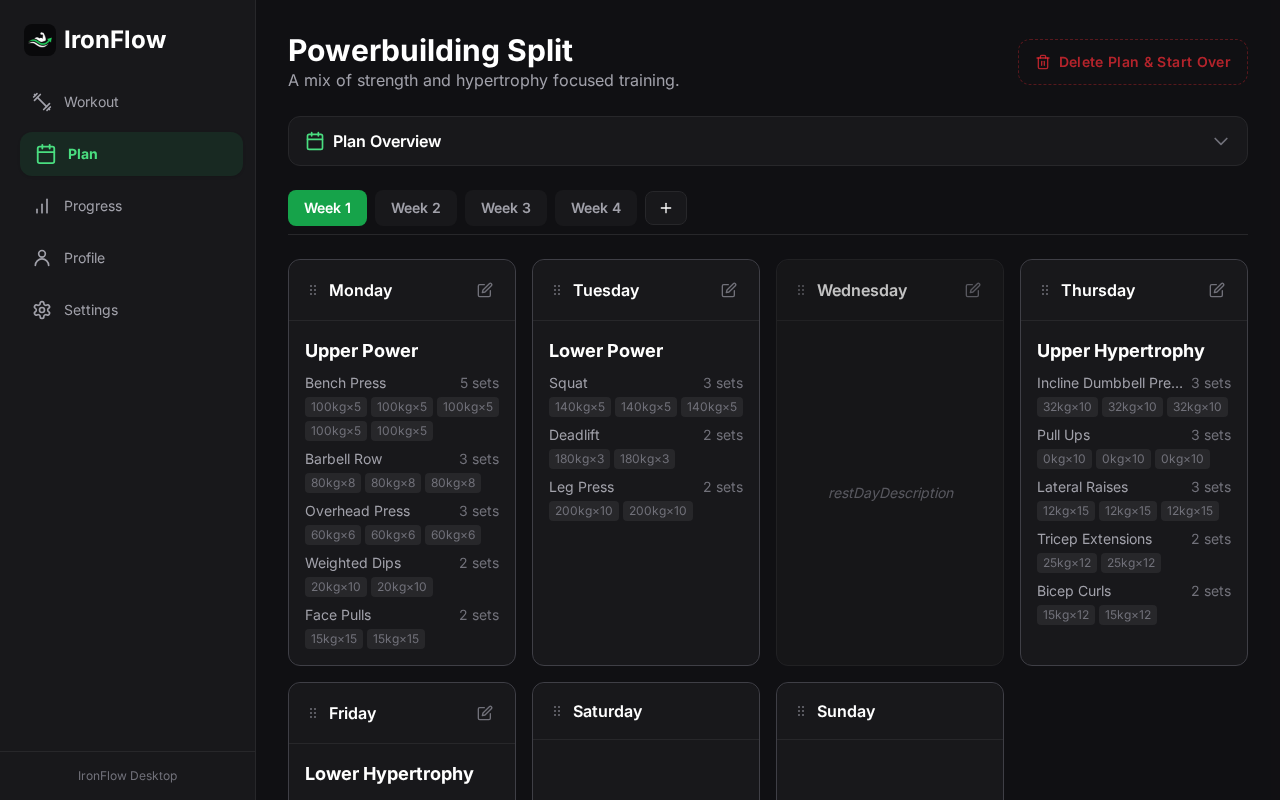
Use a larger screen to organize your plan, then track sets from your phone.
[Google Sheets import]
Sign in to IronFlow and connect your Google account to import a spreadsheet without rebuilding your plan.
Export your plan to Google Sheets or JSON when you need a copy or want to move it elsewhere.
Read the Google Sheets import guide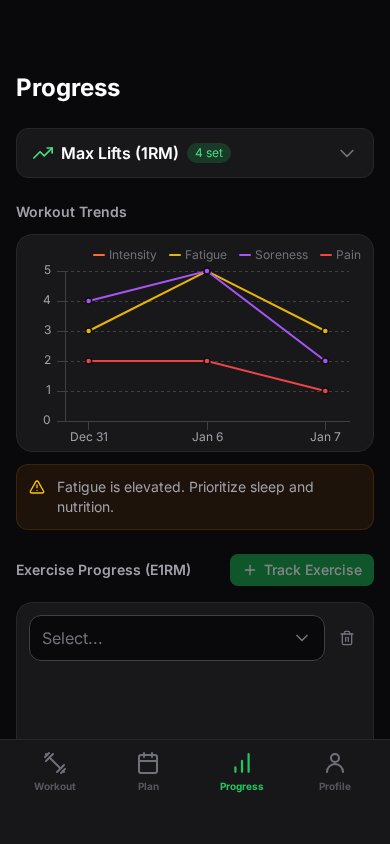
Example analytics screen with sample training data
[Progress analytics]
Review estimated strength, fatigue, and workload trends to help guide your next training decision.
E1RM
View estimated strength trends
Current fatigue
Review fatigue trends
Workload
Compare workload over time
[Optional upgrade]
Workout logging, progress tracking, and basic templates are free. Pro adds advanced tools for lifters who want more ways to plan and review training.
For lifters who want additional planning and progress tools.
Log workouts, track progress, and use basic training templates.
[Web and mobile]
Use the web app to organize your plan and your phone to log workouts. Sign in to sync training across devices.
[Lifter reviews]
“I especially like that it's focused on tracking workouts, rather than turning into a social network…”
ArtRagagy
Google Play review
“This app makes it easy to track and add a variety of exercises, and it looks sharp”
Cole Shuman
Google Play review
“wow, this is be a powerful tool for workout! I hope this app will bring me back to shape”
Jahyeun Kim Behik
Google Play review
[More for your training]
Tools, import guides, and comparisons to help you plan your training.
Use calculators for estimated 1RM, RPE percentages, plate loading, and warmup planning.
Explore toolsFollow guides for importing plans from Google Sheets, spreadsheets, or photos.
View import guidesCompare IronFlow with other ways to plan and track your training.
Open comparisonsReview side-by-side comparisons when choosing between training plans.
Compare plans[FAQ]
IronFlow helps you follow strength plans, log workouts, and review training progress on iOS, Android, and the web.
Yes. Workout logging, progress tracking, and basic templates are free. Pro is an optional upgrade with advanced planning and analytics tools.
Workout data is saved on your device, so you can log sessions offline. Account syncing requires an internet connection.
Yes. Sign in and connect Google to import from Google Sheets. Plan text imports, photo imports, and plan generation also require an account. You can also choose a built-in program.
IronFlow is available on iOS and Android, and in modern web browsers on desktop.
Your data is stored locally on your device first. If you create an account, it syncs to the cloud with encryption in transit. You can export or delete your data at any time.
Pro adds advanced analytics and removes daily limits on plan generation and assisted imports. It also includes community uploads and raises the saved-plan limit to five.
[Your training account]
Sign in to sync training across devices, or continue as a guest. Guest training stays on this device.