Choose the tab you actually train
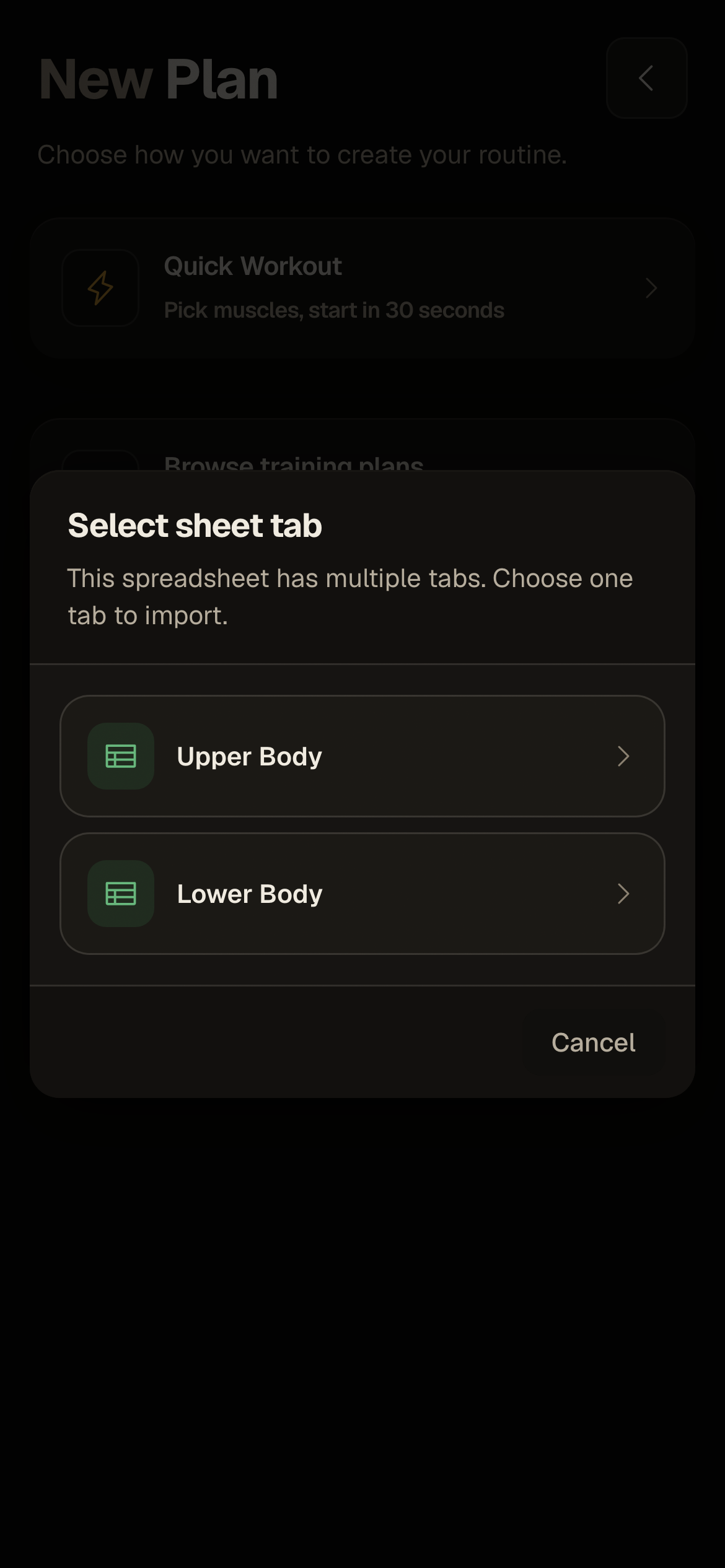
When a workbook has multiple tabs, select the training block you want to bring into IronFlow.
Import guide
Choose a Google spreadsheet and tab, then use its workout details to build an IronFlow plan. Check the imported exercises, sets, reps, and loads before training.
[Best for]
Lifters already running a Google Sheets training plan
[Works with]
Google Sheets tabs with visible workout details
[Outcome]
An IronFlow plan to review and edit before training
[How to import from Google Sheets]
[Step 1]
Connect your Google account if needed, then choose a Google spreadsheet you can access in Drive.
[Step 2]
If the spreadsheet has multiple tabs, choose the one with the training block you want. IronFlow reads the selected tab's cell values.
[Step 3]
IronFlow interprets the visible workout details and creates a plan. Check exercise names, sets, reps, and loads against the sheet before your next workout.
[Benefits]
When a workbook has multiple tabs, select the training block you want to bring into IronFlow.
Review exercises, sets, reps, and loads in the resulting plan and correct anything that does not match your sheet.
After checking the imported plan, use it as your workout log instead of switching between the spreadsheet and the gym.
[Google Sheets import FAQ]
[More tools]
[More import guides]
[Import guide]
Use IronFlow to turn a workout spreadsheet into a structured training app workflow with mobile logging, desktop planning, and clearer progression tracking.
[Import guide]
Capture a workout plan from a photo and turn it into a structured IronFlow plan you can log on mobile and manage on desktop.