Plan the training block
Compare editable programs, generated sessions, and progression rules.
Comparison hub
Choose a guide based on what matters to you: logging familiar routines, programming sessions, adaptive workouts, moving from a spreadsheet, or working across devices. Each comparison covers planning, progression, history transfer, and cost.
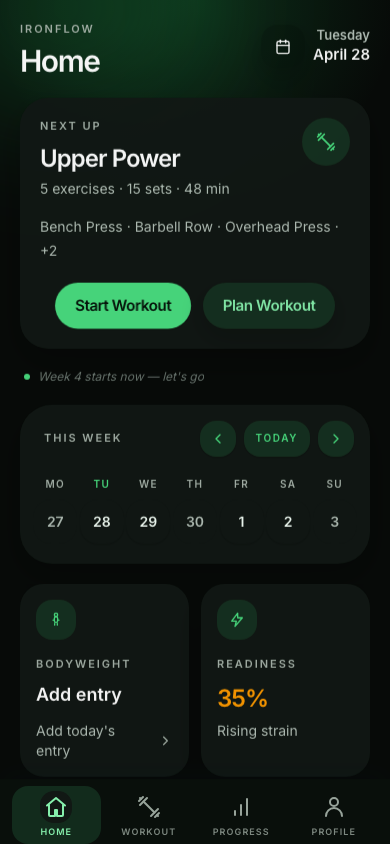
[Choose your training workflow]
Compare planning, progression, data portability, in-session logging, and cost before choosing a tool.
Compare editable programs, generated sessions, and progression rules.
Look at the devices, activity types, offline behavior, and analytics available during training.
Separate program imports and exports from transfers of completed workout history.
Compare logging, programming, offline use, social features, and device support.
Choose Strong if its strength log, templates, and cloud or desktop access fit how you train. Choose IronFlow if you want to edit a structured plan on desktop and log strength or cardio on mobile.
Lifters who want a strength-focused log, saved routines, and Strong Cloud or desktop access.
Read comparisonChoose Hevy for routine logging, social features, web access, or Hevy Trainer's guided program. Choose IronFlow if you want desktop plan editing and Google Sheets plan import, knowing that plan transfer is not workout-history transfer.
Lifters who want workout logging with social features, web access, and an optional guided program.
Read comparisonChoose Boostcamp to browse coach-built plans or build one in its browser editor; loaded programs work offline in the app. Choose IronFlow for Google Sheets plan import and desktop editing with mobile logging.
Lifters who want to discover coach-built programs or create one with Boostcamp's web editor.
Read comparisonChoose Fitbod if you want workout recommendations that adapt to logged training and recovery. Choose IronFlow if you want to edit a structured plan and carry over visible spreadsheet values; these are different planning approaches.
Lifters who want personalized strength sessions generated from goals, equipment, preferences, and workout history.
Read comparisonChoose Liftosaur if you want to define programs in Liftoscript, use its web editor, and transfer program text separately from history CSVs. Choose IronFlow for desktop plan editing and reviewed Google Sheets plan imports.
Lifters who want configurable program rules, a text-based format, and a browser editor.
Read comparisonChoose JEFIT if you want a routine builder, progression features, and a large exercise and community ecosystem. Choose IronFlow if importing visible Google Sheets plan values and editing them on desktop are central to your workflow.
Lifters who want to build routines on the web and use progression and tracking tools across devices.
Read comparisonCompare custom tables and formulas with importing a reviewable training plan.
[More tools]