For plans shared as images
Import a coach's screenshot or a whiteboard photo, then review the plan in IronFlow.
Import guide
If the plan starts as a screenshot, whiteboard photo, or image from a coach, IronFlow can help convert it into a usable workout flow.
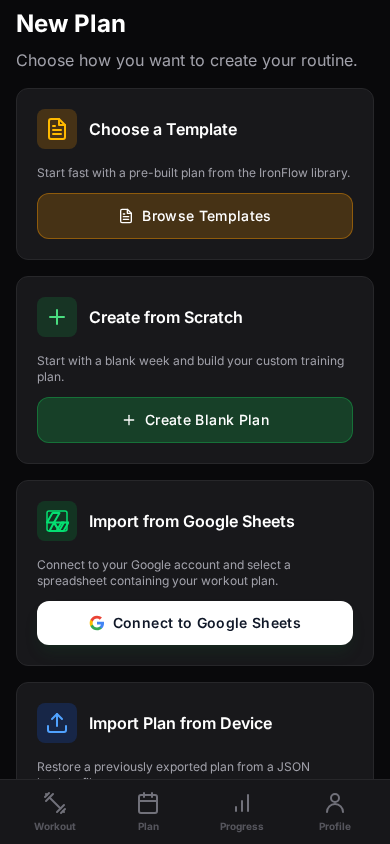
[Best for]
Coach screenshots, whiteboard plans, and image-based routines
[Works with]
Photos, screenshots, and other plan images that need structure
[Outcome]
A plan you can actually follow in the gym instead of zooming through images
[How photo-based import works]
[Step 1]
Start with a clear screenshot or photo of the workout plan you want to turn into a structured training block.
[Step 2]
IronFlow reads the workout image and converts the visible routine into exercises, sets, reps, and training days.
[Step 3]
Once the plan is imported, you can review the structure, make edits if needed, and start logging sessions inside the app.
[Benefits]
Import a coach's screenshot or a whiteboard photo, then review the plan in IronFlow.
Check the imported exercises, sets, reps, and training days, and make edits where needed.
Turn a saved plan image into a structured workout you can review and log.
[Workout photo import FAQ]
[More tools]
[More import guides]
[Import guide]
Connect Google Sheets, choose a workout spreadsheet and tab, then turn its visible workout details into an IronFlow plan. Review the imported exercises, sets, reps, and loads before training.
[Import guide]
Use IronFlow to turn a workout spreadsheet into a structured training app workflow with mobile logging, desktop planning, and clearer progression tracking.